How to make a graduation card
Give the AI the details that make this graduation different. The subject studied, the university or school, the cap and gown colours, whether it took four years or eight, and how the card should feel, from proud and formal to affectionately sarcastic. The illustration is built from that brief rather than a stock mortarboard.
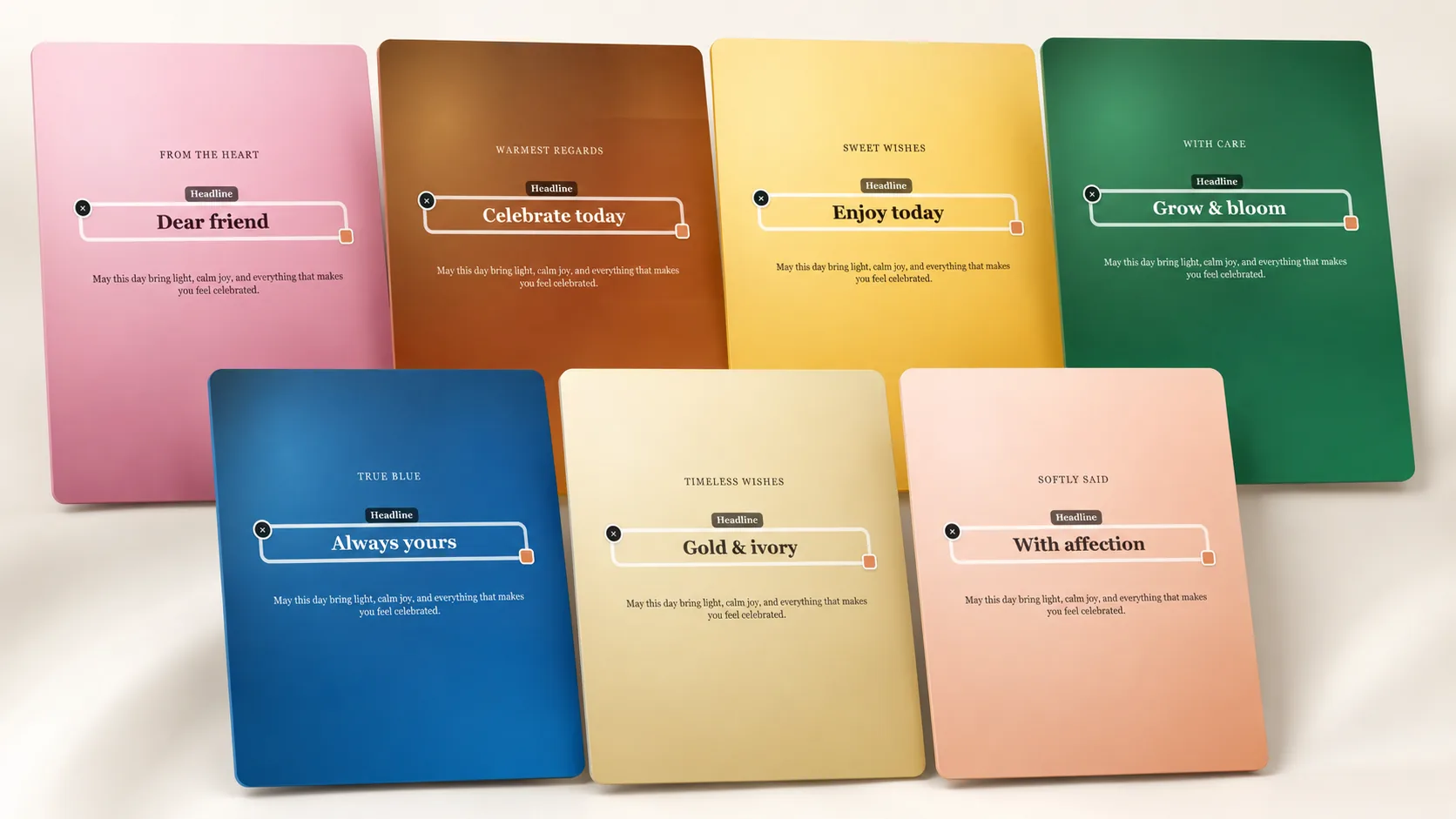
Template mode is useful when several people need cards on the same day. Pick a layout once, change the name and the message for each graduate, adjust the colours towards their institution, and export each version separately. Every card shows a watermarked preview before payment, so nothing is bought blind.
- Name the subject, school and year in the prompt
- Ask for institution colours or a specific illustration style
- Regenerate an AI card up to three times before downloading
- Change the graduate’s name and message on a reusable template
- Download a clean high-resolution PNG in A6, A5, A4 or a custom size
Graduation messages beyond congratulations
The strongest graduation cards acknowledge the work, not just the result. Late revision, a year that nearly derailed everything, a subject nobody expected them to pick. Recognising the difficulty makes the congratulations mean something, and it reads as though you were paying attention the whole way through.
Then look forward without loading pressure onto them. Plenty of graduates have no plan yet, and a card insisting on a glittering career can land badly. A line about being curious, taking their time or knowing where to find you works better than a prediction they never asked for.
- You worked for this, and it shows on paper now
- Congratulations, doctor, and apologies in advance to everyone at the family dinner
- For a school leaver: whatever comes next, you are more ready than you feel
- For a mature student: fitting a degree around a life is the harder version
- For a master’s: two years of very little sleep, extremely well spent
- A design direction: the campus building, the gown colour and confident modern type
Ceremony day, group cards and long-distance families
Ceremony days are chaotic, so printing in advance helps more than you would expect. A6 fits in a bag with the tickets and everything else, while A5 or A4 makes a card that can be signed by a whole family or a group of coursemates and later framed alongside the photographs.
If relatives are watching a livestream from another country, send the image file instead of posting anything. A card that arrives in a chat during the ceremony travels further than one that turns up two weeks afterwards, and the download stays available if someone asks you to send it again.
How it works
- Pick this occasion and choose AI mode or a ready template.
- Describe the card or edit the title, headline and message.
- Check the free watermarked preview and refine it if needed.
- Pay once and download a print-ready PNG in A6, A5, A4 or a custom size.