Two ways to build your Christmas card
AI mode reads a written brief. Tell it who the card is from, what should be in the picture and how it should feel, whether that is a snowy cottage in flat pastel colours, a warm kitchen full of baking, or a cat determined to climb the tree. The illustration comes back unique to that prompt.
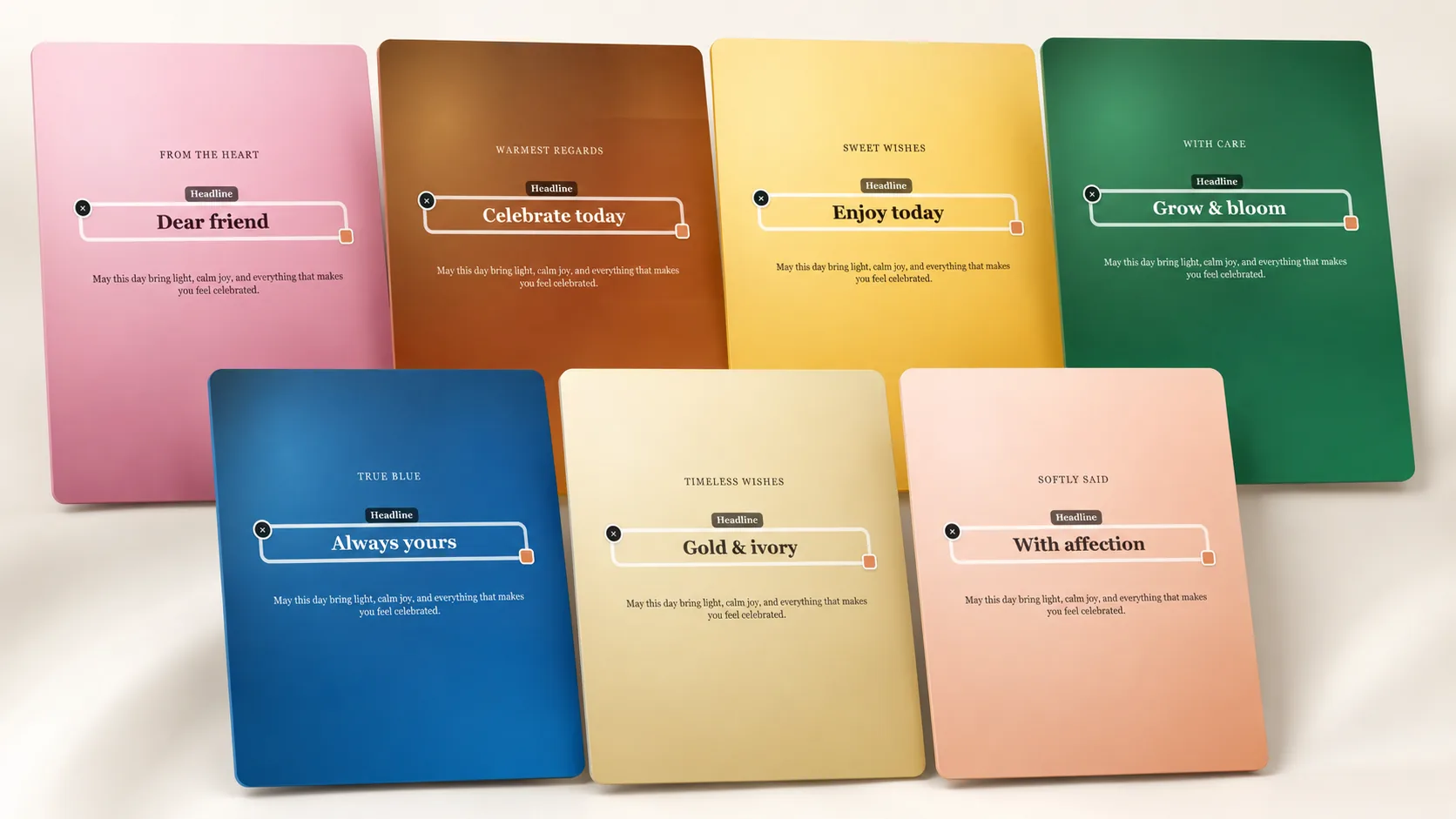
Template mode is faster when the wording matters more than the artwork. Pick a layout, write the title and message, choose type that suits the tone, and nudge the text until it sits well against the design. You always see a watermarked preview before any payment is taken.
- Describe the Christmas scene, colour palette and style in your own words
- Ask for up to three revisions if the first AI illustration is not quite it
- Write a family greeting, a short verse or a one-line message on a template
- Adjust fonts, colours and text placement layer by layer
- Download a clean PNG in A6, A5, A4 or a custom size after paying $3.99 or $1.99
Christmas card messages that sound like you
Season’s greetings works, but it rarely means anything. Cards people keep tend to mention the year: a house move, a new baby, a hard stretch that is finally behind you, or simply how good it was to see someone in August. Two sentences of that are worth a paragraph of borrowed sentiment.
Think about who is reading, too, because one greeting rarely fits an entire list. Neighbours and colleagues want warmth without detail. Relatives you rarely see appreciate news. Friends who share your sense of humour can take a joke about the sprouts or the same argument over the film choice every December.
- Merry Christmas from all of us, including the one who ate the gingerbread
- Wishing you a quiet, warm Christmas and a very slow morning after it
- Thank you for a year of turning up, this month and every other one
- For neighbours: happy Christmas from number 12, thank you for the parcels
- For a family card: a year of good news, and we hope next year brings more
- A design direction: pine branches, hand-lettered type and a deep green background
Printing your Christmas cards at home
The finished download is a high-resolution PNG, so home printing is straightforward. Print A6 on card stock and fold it for a traditional card, or keep A5 flat for something that stands on a mantelpiece. Heavier paper and the highest quality print setting make more difference to the result than anything else.
If half your list lives abroad, send the same file digitally instead of posting it. Christmas post deadlines get earlier every year, and a card that arrives on the day in a chat beats one that arrives in January. The file stays available on the result page for as long as you need it.
How it works
- Pick this occasion and choose AI mode or a ready template.
- Describe the card or edit the title, headline and message.
- Check the free watermarked preview and refine it if needed.
- Pay once and download a print-ready PNG in A6, A5, A4 or a custom size.